
Offline business software that you own
No internet needed, no account to sign in to and no monthly bill. Your records live on your computer and nowhere else.
Why offline still matters
Many business tools now run in the cloud. That is convenient until the internet goes down, the subscription lapses, or you realise your sales and customer records sit on someone else's server. For a shop, a power cut or a slow connection should never stop you from billing a customer.
Bajori Pro takes the other approach. It is a Windows program that works fully offline. Everything is saved in a file on your own computer, which you can back up to a USB drive or a cloud-synced folder of your choice.
What offline gives you
Works anywhere
Bill, check stock and run reports with no connection at all.
Private by design
The app has no analytics or tracking and never sends your records anywhere. We never receive them.
No account, no login
There is nothing to sign up for. You activate from inside the app, and if the computer has no internet we send a small activation file instead.
You control the backups
Daily automatic backups, plus a backup folder you choose, such as a USB drive.
Mistakes are recoverable
Undo a deletion straight away, or restore it later from History.
One payment
Pay once for a licence with no end date. The first year of updates and support is included.
Your data stays on your computer
Because nothing is uploaded, there is no online account to be hacked, no sign-in to be guessed and no company that can lock you out of your own records.
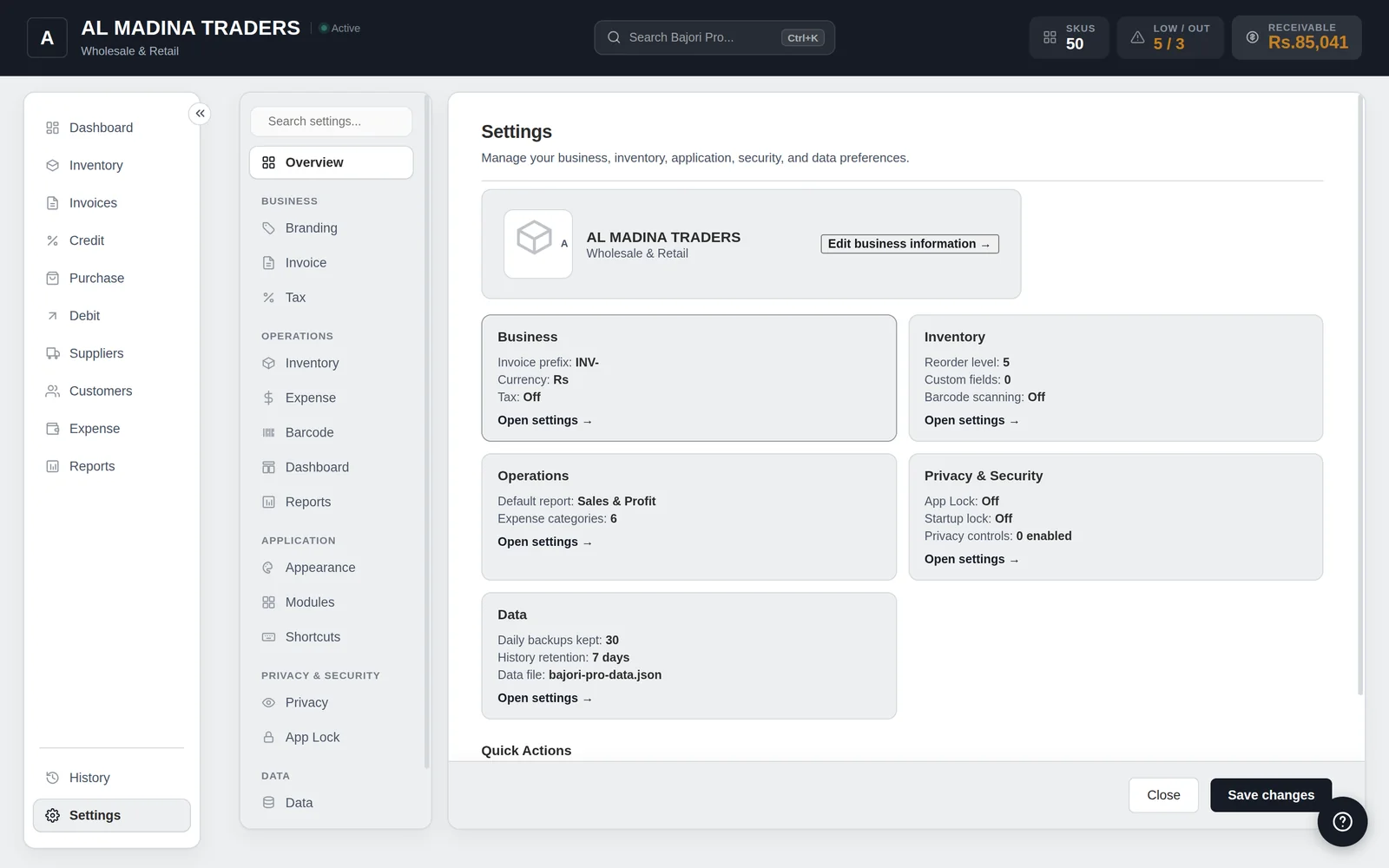
- App Lock with a PIN, on startup or after inactivity
- Automatic daily backups
- Backups to a folder of your choice
- Move to a new computer with a backup file
Is offline the right choice for you?
Offline software suits a business that runs from one main computer. It is not the right tool if several people need to work on the same data from different places at the same time, or if you want a phone or web version.
Bajori Pro is a Windows desktop program (Windows 10 or 11, 64-bit). There is no Mac, phone or web version at the moment.
Common questions
Does Bajori Pro ever connect to the internet?
Only for a few small technical checks, such as asking which version is newest and, once activated, confirming the licence, and, only if you choose Request my license in the app, sending the business details you type. It works fully offline and does not need the internet. Your business records are never sent anywhere.
How do I get updates?
When it is online, Bajori Pro can check for updates (Settings to About to Check for updates) and install them with one click after you confirm. You can also download new versions from this website, or ask us. Take a backup first. Installing a new version over the old one keeps your data and settings.
Can I use one licence on two computers?
One licence is for one computer. To change your computer, request a new licence from inside the app and tick the box 'I already bought Bajori Pro'. It is free, and the old licence ends when the new one is approved.
What if my computer breaks?
Restore your latest backup on the new computer, then request a new licence from inside the app and tick the box 'I already bought Bajori Pro'. It is free. This is why we recommend a backup folder on another drive.
Related
Excel alternative
Stock, invoices and credit already connected, instead of formulas you maintain.
Learn more →Inventory management
Track every item, get low-stock alerts and suggested reorder quantities.
Learn more →Retail shops and general stores
Barcode scanning, quick billing, low-stock alerts and customer ledgers.
Learn more →Try Bajori Pro on your own computer
Download the free demo, explore a full sample business, and activate when you are ready.