
Barcode billing software for the shop counter
Scan the product, check the price, print the receipt. Bajori Pro speeds up the counter without needing the internet.
Faster at the counter, fewer mistakes
Typing item names at the counter is slow, and searching a long list while a customer waits invites errors. With barcode scanning, you scan the product instead of typing.
Barcode support is switched on in Settings, which also has a box where you can test your scanner before relying on it. Each sale then deducts stock and, if the customer pays later, creates the credit balance.
Tools for the counter
Scan instead of typing
Turn on barcode scanning in Settings and scan products instead of typing their names.
Test your scanner
Settings includes a box to test your scanner before you use it at the counter.
80 mm receipts
Print compact receipts on a thermal printer, or switch to a full A4 invoice.
Stock stays right
Every sale deducts stock, so the shelf and the screen agree.
Cash or credit
Take full payment, part payment or sell on credit from the same invoice.
Customer records
Attach a sale to a customer when you need a record, such as for credit.
Receipts that fit your printer
Print a compact receipt for the counter, or a full A4 invoice when a customer needs one.
- 80 mm receipt layout for thermal printers
- A4 invoice templates for full documents
- Discounts and tax on the same screen
- Your logo and business name on every print
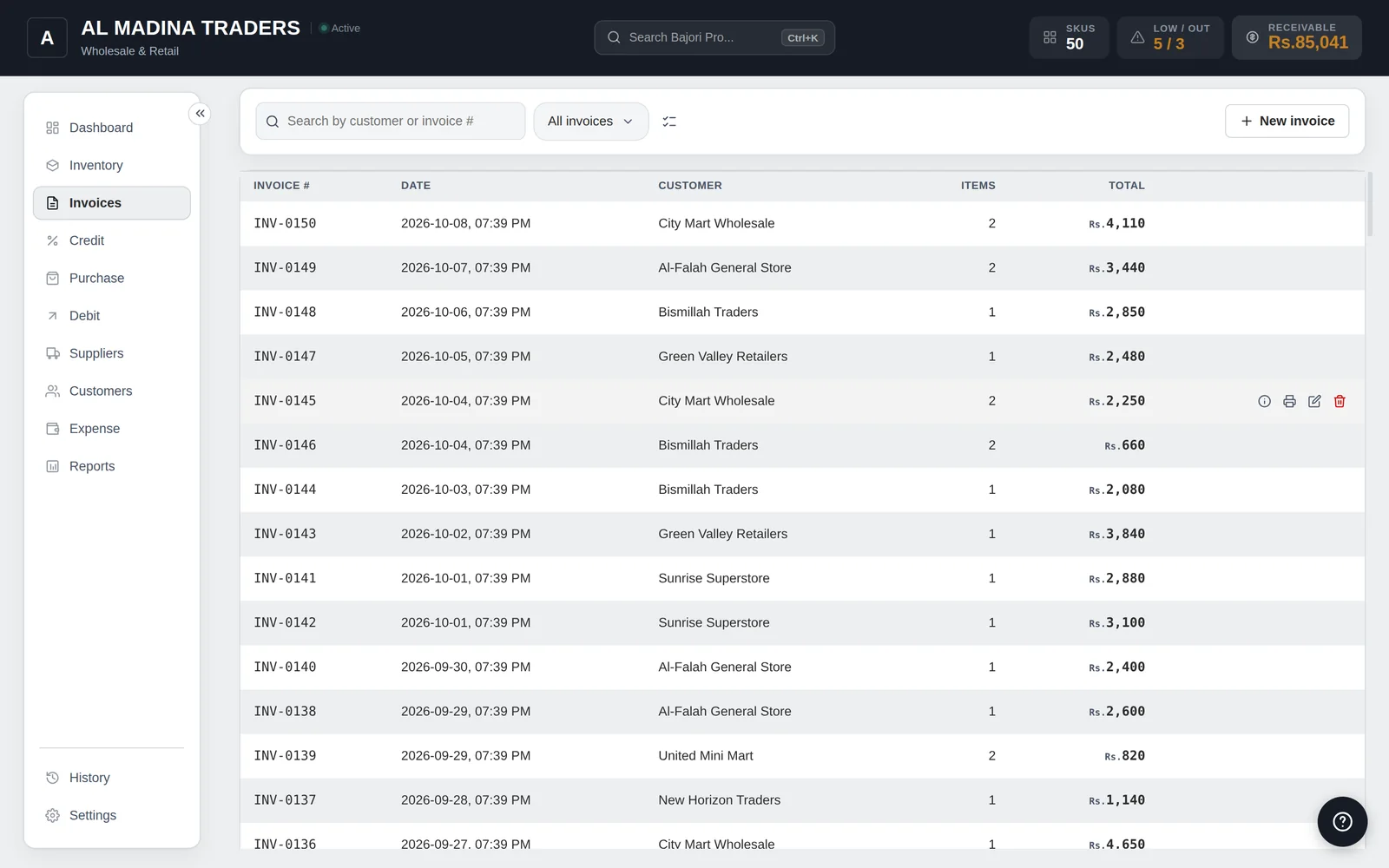
What Bajori Pro is, and is not
Bajori Pro focuses on inventory, invoicing and credit, with barcode scanning to speed up the counter. If you need card-payment terminals or cash-drawer integration, please ask us on WhatsApp before you buy.
Common questions
Which barcode scanner do I need?
Bajori Pro has a scanner test box in Settings so you can check your own scanner. If you are about to buy one, message us on WhatsApp first and we will advise you.
Does it work with a thermal receipt printer?
It includes an 80 mm receipt layout. Printing goes through Windows, so your printer needs to be installed in Windows first.
Do I need the internet for scanning and billing?
No. Everything works offline.
Can I try it before buying?
Yes. Download the free demo and explore a complete sample business. Printed demo documents carry a DEMO watermark.
Related
Invoice and billing
Six invoice templates, 80 mm receipts, discounts, tax and partial payments.
Learn more →Inventory management
Track every item, get low-stock alerts and suggested reorder quantities.
Learn more →Retail shops and general stores
Barcode scanning, quick billing, low-stock alerts and customer ledgers.
Learn more →Try Bajori Pro on your own computer
Download the free demo, explore a full sample business, and activate when you are ready.