
Invoice and billing software for wholesale and retail businesses
Pick the items, enter the customer, then print or save a PDF. Every invoice carries your logo, your details and your own numbering.
Invoices that save time and look professional
Writing invoices by hand, or editing a Word or Excel template for every sale, is slow and mistakes creep in: a wrong total, a missing discount, a number used twice. Bajori Pro builds the invoice from your item list, works out the totals and numbers each invoice automatically with a prefix you choose.
The same invoice updates your stock and, if the customer pays only part, records what is still owed. You never enter one sale in three places.
What you get on every invoice
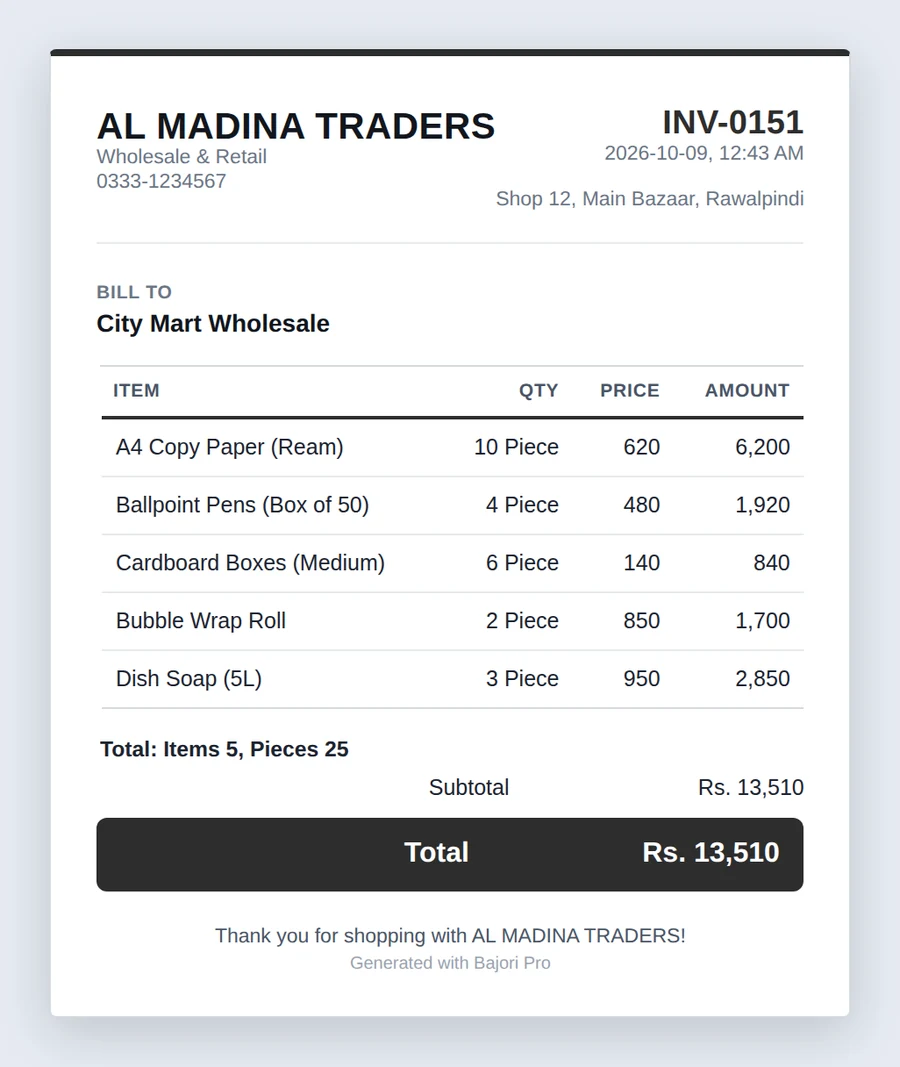
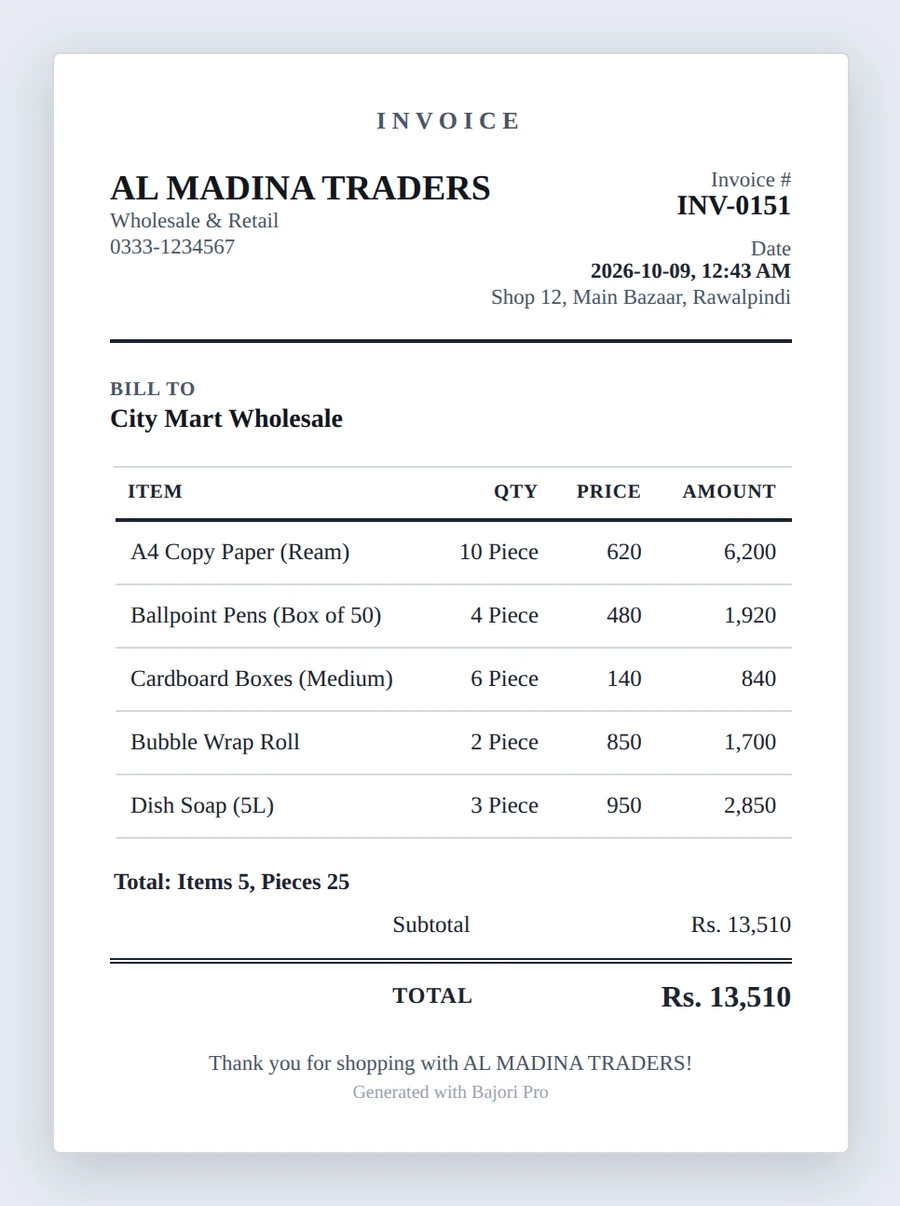
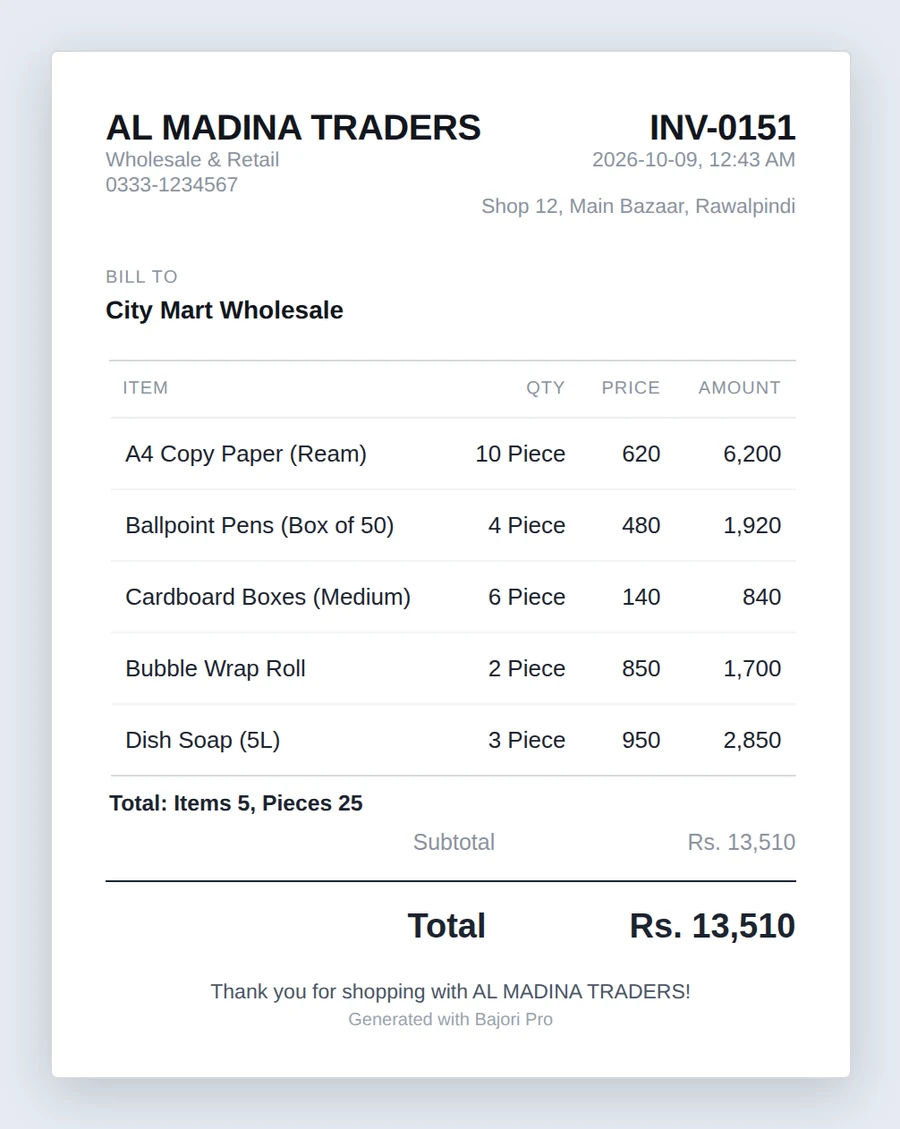
Six invoice templates
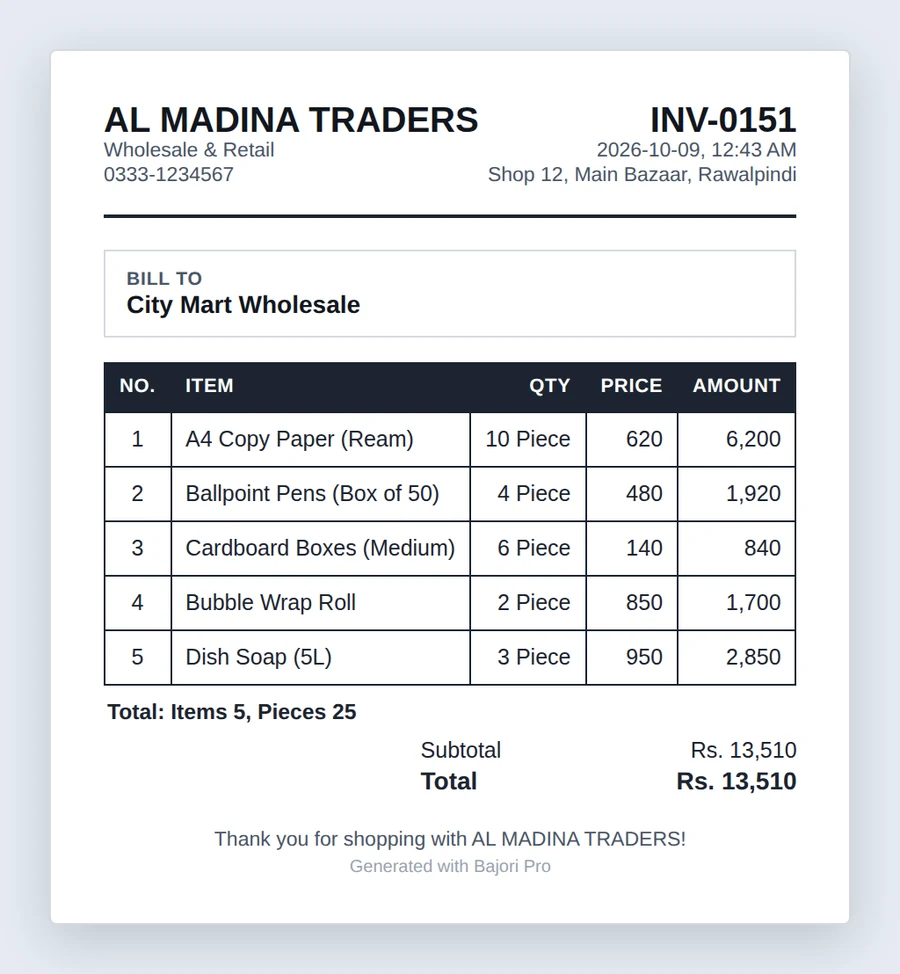
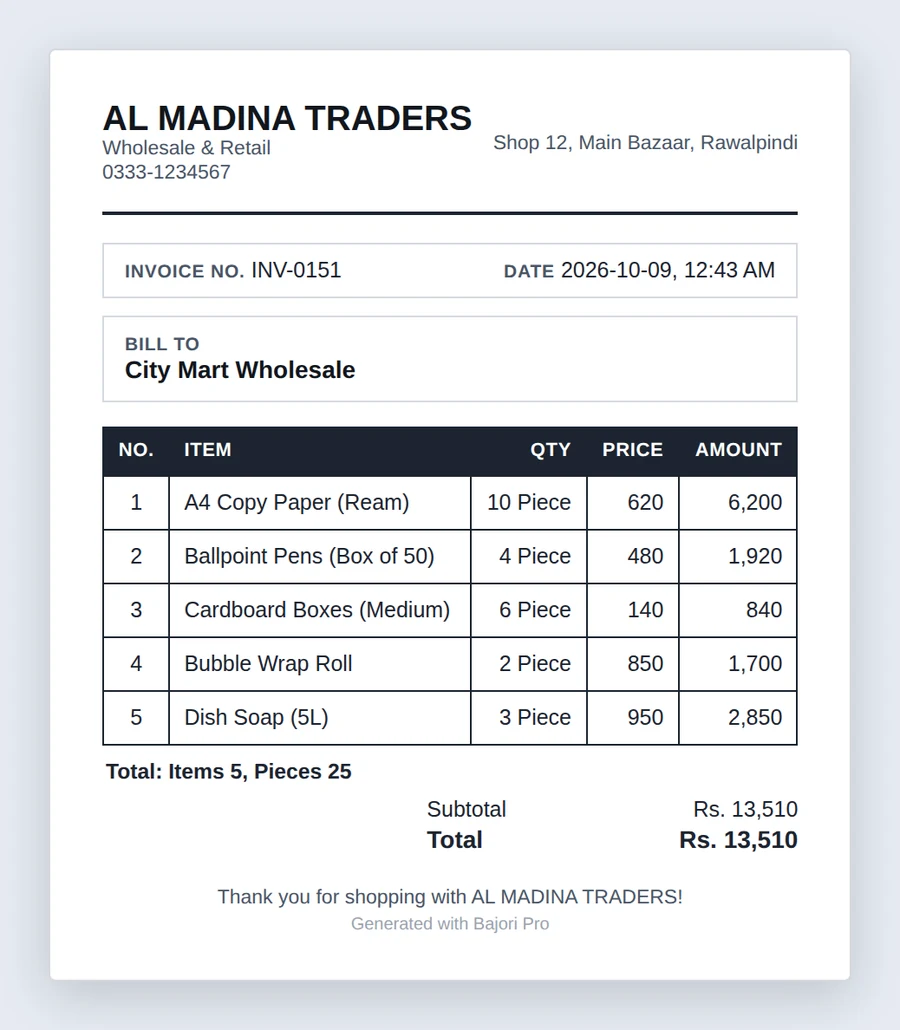
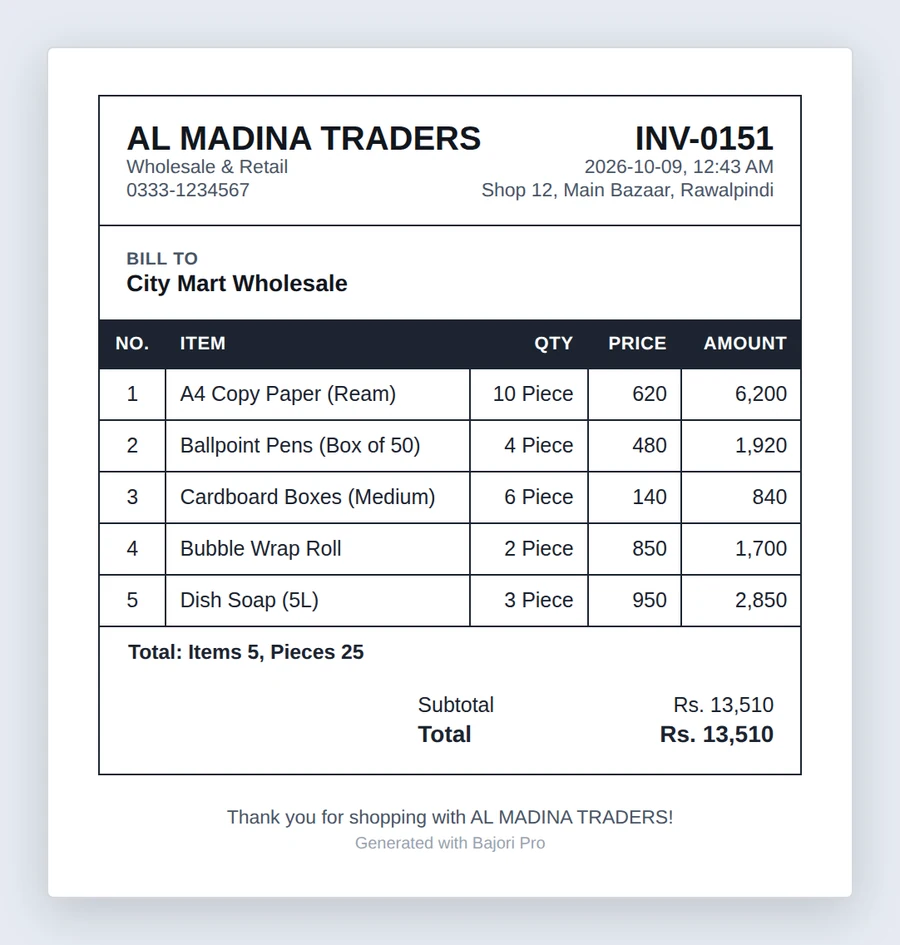
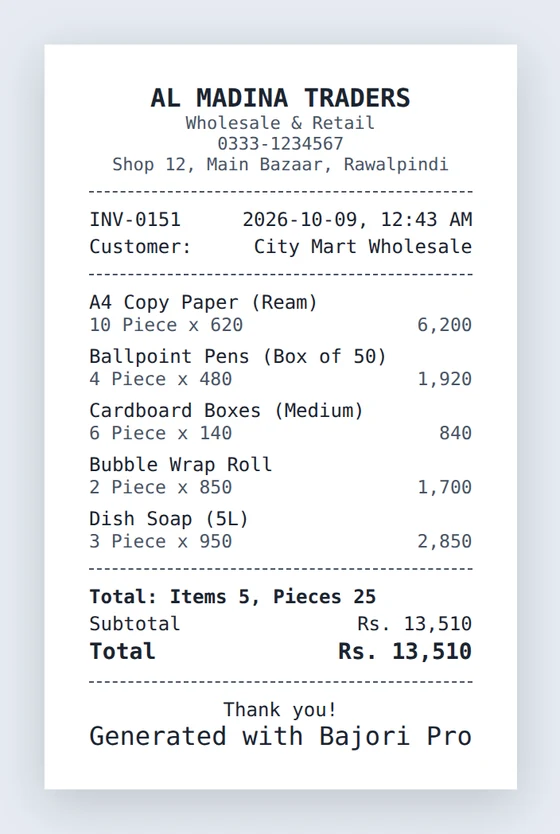
Choose Nova, Heritage, Essence, Merchant, Bazaar or Folio, or print on an 80 mm receipt layout for a thermal printer.
Your own branding
Add your logo, business name, tagline, address and tax registration number once, and they appear on every document.
Discounts and tax
Apply discounts, and turn tax on with the label and rate you need. Tax is set once in Settings.
Partial payments
Take part payment now and leave the rest as credit. The balance stays linked to the invoice until it is paid.
Stock updates itself
Each invoice deducts what you sold from stock, with unit conversion if you sell in different units.
Print or save a PDF
Print directly, or export a PDF in A4 or the page size you prefer, ready to send to your customer.
A layout for every kind of business
A neat A4 invoice for office customers, a compact receipt for the counter. Switch the template whenever you like.
- Six A4 templates and an 80 mm receipt layout
- A custom footer message on every invoice
- Automatic invoice numbering with your own prefix
- Undo a deleted invoice, or restore it from History
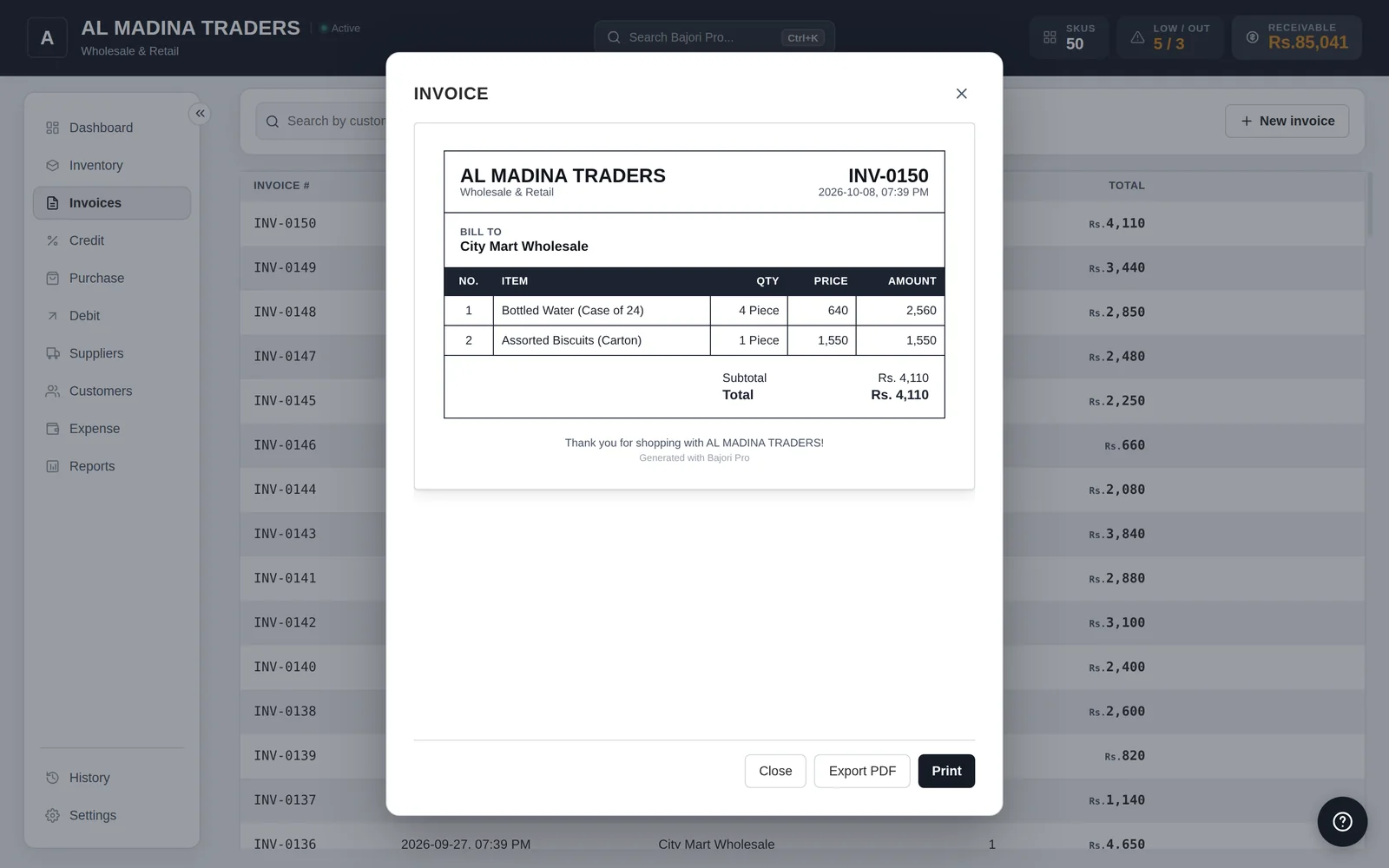
Six invoice templates and a receipt
Click the arrows, or a name, to browse them. Click a template to see it full size.
Common questions
Can I print receipts on a thermal printer?
Yes. Bajori Pro includes a receipt layout for 58 mm and 80 mm thermal printers, as well as A4 invoice templates. Your printer needs to be installed in Windows.
Can I add my logo and business details?
Yes. Add your logo, business name, tagline and address once in Settings, and every invoice uses them.
Can I send an invoice to a customer?
You can save any invoice as a PDF and send it yourself, for example on WhatsApp or by email. Bajori Pro itself never sends your invoices anywhere.
Does the free demo print invoices?
Yes, but documents printed from the demo carry a DEMO watermark. It disappears once you activate your licence.
Related
Credit and udhaar ledger
A ledger for every customer and supplier, with partial payments and overdue alerts.
Learn more →Inventory management
Track every item, get low-stock alerts and suggested reorder quantities.
Learn more →Barcode billing
Scan products at the counter, print 80 mm receipts, keep stock right.
Learn more →Try Bajori Pro on your own computer
Download the free demo, explore a full sample business, and activate when you are ready.