
An Excel alternative for stock, invoices and credit
Excel is flexible, but running a shop on it means you build and maintain every formula yourself. Bajori Pro already connects the pieces.
When a spreadsheet stops being enough
Plenty of businesses start with Excel, and for a handful of items it works well. The trouble starts as the business grows: stock in one sheet, invoices in another, credit in a notebook, and a formula that someone overwrote last month. Every sale means updating several places by hand, and the numbers slowly drift apart.
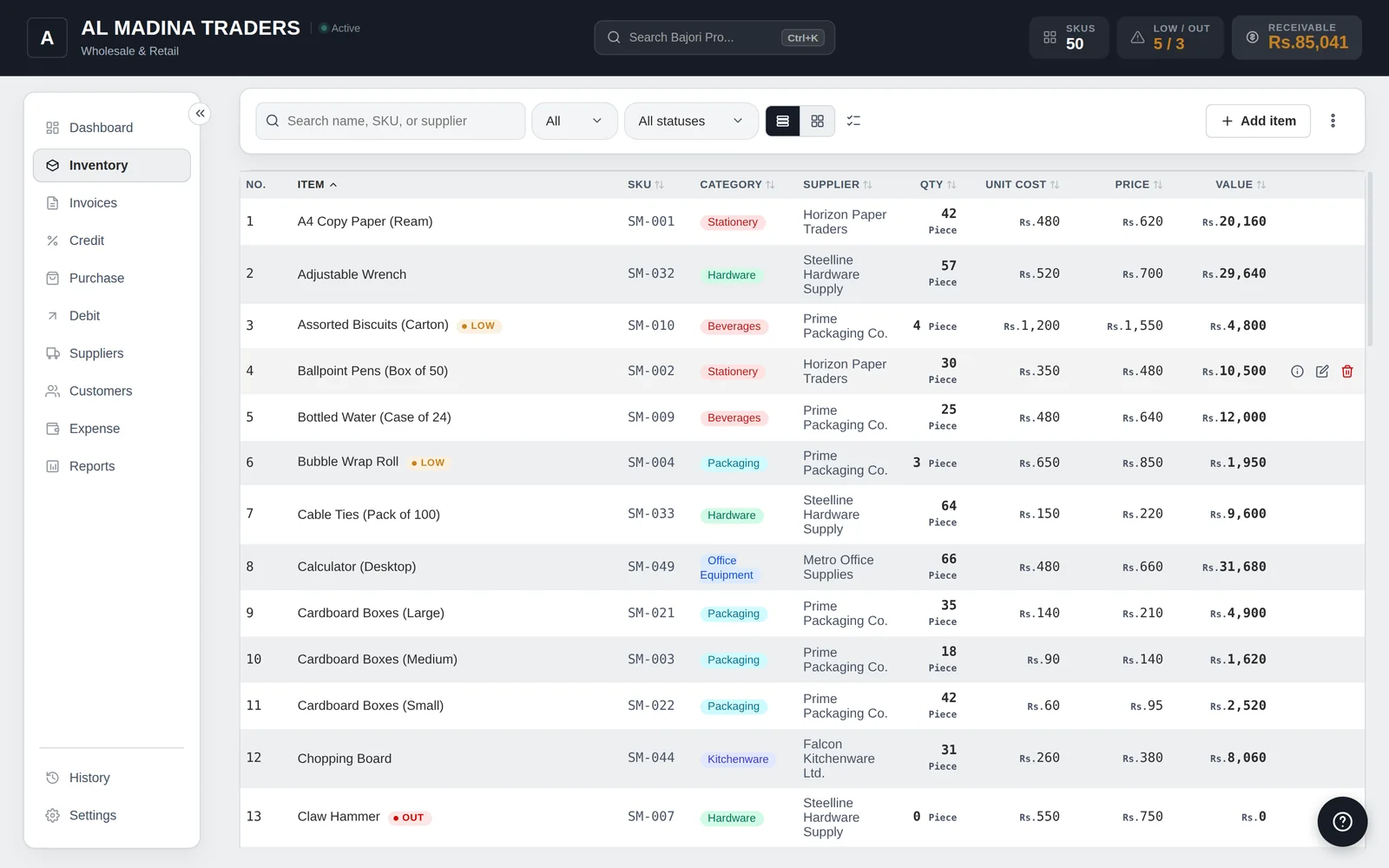
Bajori Pro is built around those connections. A sale reduces stock, creates the customer balance if it is on credit, and appears in the profit report, all from one entry.
What you stop doing by hand
Updating stock after each sale
Invoices deduct stock automatically, and purchases add it back.
Chasing balances
Credit is created from the invoice and cleared by payments.
Building reports
Seven ready-made reports cover sales and profit, inventory, customers, suppliers, purchases, expenses and your financial position.
Formatting invoices
Six templates and a receipt layout, numbered automatically.
Fearing a deleted row
Undo a deletion at once, or restore it from History.
Remembering to save a copy
Automatic daily backups once you activate.
Bring your existing item list with you
Save your Excel item list as a CSV file and import it into Bajori Pro after activation, instead of typing everything again.
- Import items from a CSV file
- Export items and reports back to CSV
- Try the free demo with a sample business first
Excel and Bajori Pro, side by side
| Excel | Bajori Pro | |
|---|---|---|
| Stock falls when you sell | Only if you build it | Automatic |
| Customer balances | A separate sheet or notebook | Linked to the invoice |
| Low-stock alerts | Formulas you maintain | Built in |
| Profit reports | Formulas and pivot tables | Ready-made reports |
| Invoice templates | Make your own | Six templates and a receipt layout |
| Unusual needs | Very flexible | Custom fields, units and variants |
| Works offline | Yes | Yes |
| Cost | Microsoft licence | One-time payment |
Excel is still a good choice if you keep a short list of items or need a completely custom layout. Many Bajori Pro users keep Excel for one-off analysis: any list or report can be exported to CSV and opened there.
Common questions
Can I import my Excel stock list?
Yes. Save the sheet as a CSV file and import it after you activate. Import is switched on once you activate your licence.
Do I have to stop using Excel?
No. You can export items and reports to CSV and keep using Excel for any extra analysis you like.
Is Bajori Pro harder to learn than Excel?
It is built for shop tasks, so the screens match what you do: items, invoices, credit, purchases and expenses. More than 150 help topics are inside the app.
What does it cost?
It is a one-time payment for one computer, with the first year of updates and support included and no monthly fee. Message us on WhatsApp for the current price.
Related
Inventory management
Track every item, get low-stock alerts and suggested reorder quantities.
Learn more →Invoice and billing
Six invoice templates, 80 mm receipts, discounts, tax and partial payments.
Learn more →Offline business software
Works without the internet. Your data stays on your computer. Pay once.
Learn more →Try Bajori Pro on your own computer
Download the free demo, explore a full sample business, and activate when you are ready.