
Everything you need to run the shop
One app for stock, sales, credit, purchases, expenses and reports. Here is what is inside.
Know exactly what you have
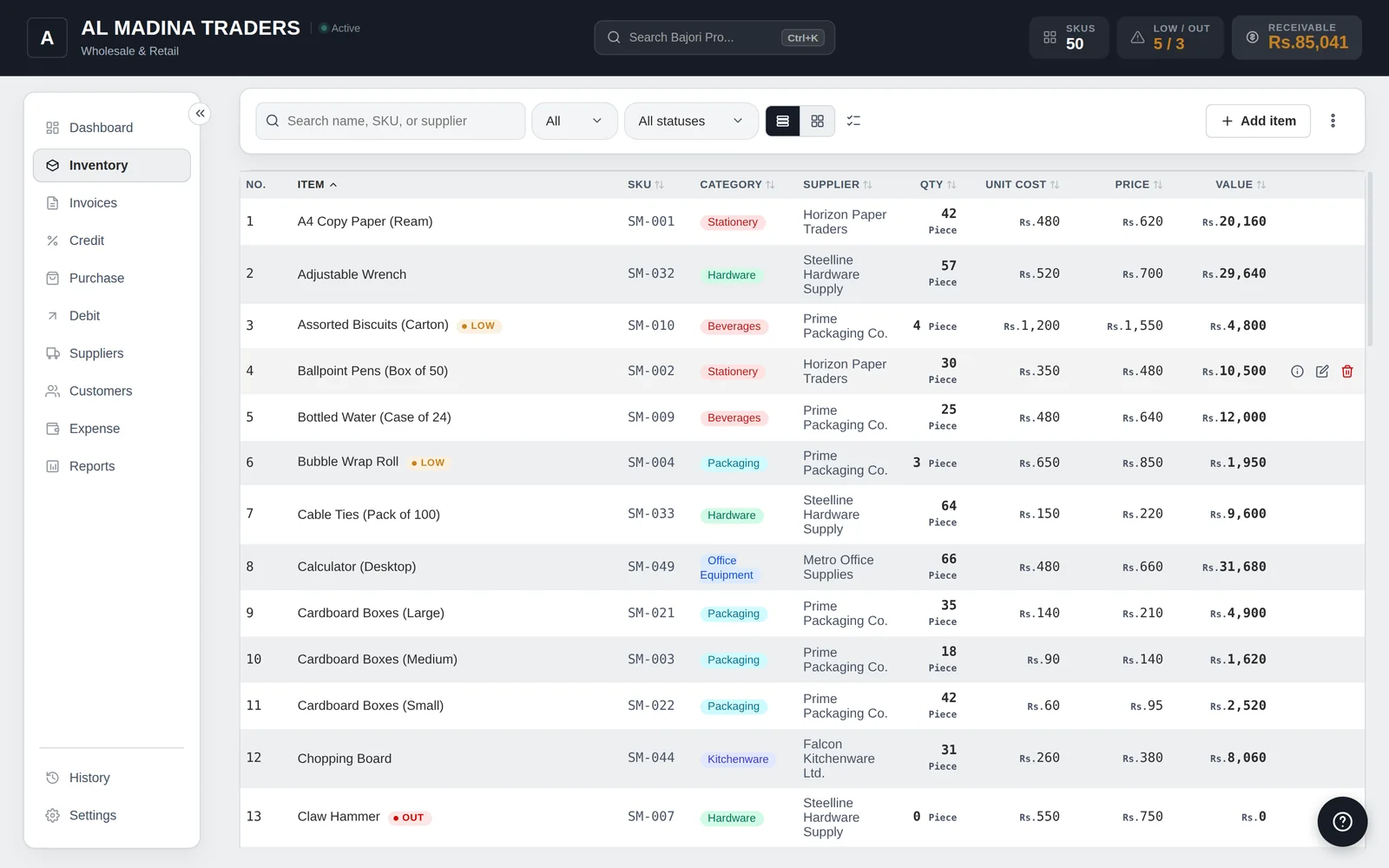
Every item has its own record, and the app tells you when it is time to reorder.
- SKU, category, supplier, cost and selling price for every item
- Low-stock and out-of-stock alerts, with suggested reorder quantities
- Barcode scanning, product variants and your own custom fields
- Several units of measure with conversion, for example pieces and dozens
- Stays fast with large catalogs and years of invoices
- Import and export your items as CSV, and print your item list
- Warnings when a selling price is below cost or the margin is too thin
Bill customers quickly
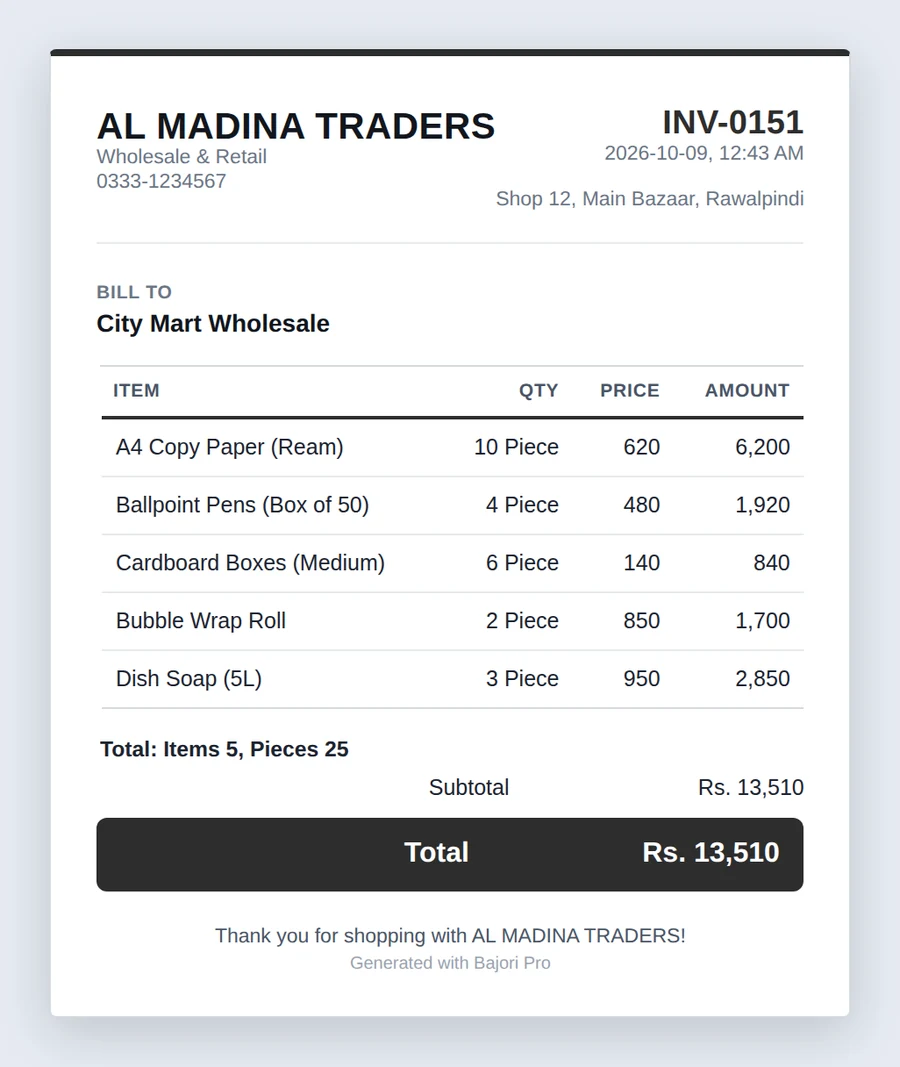
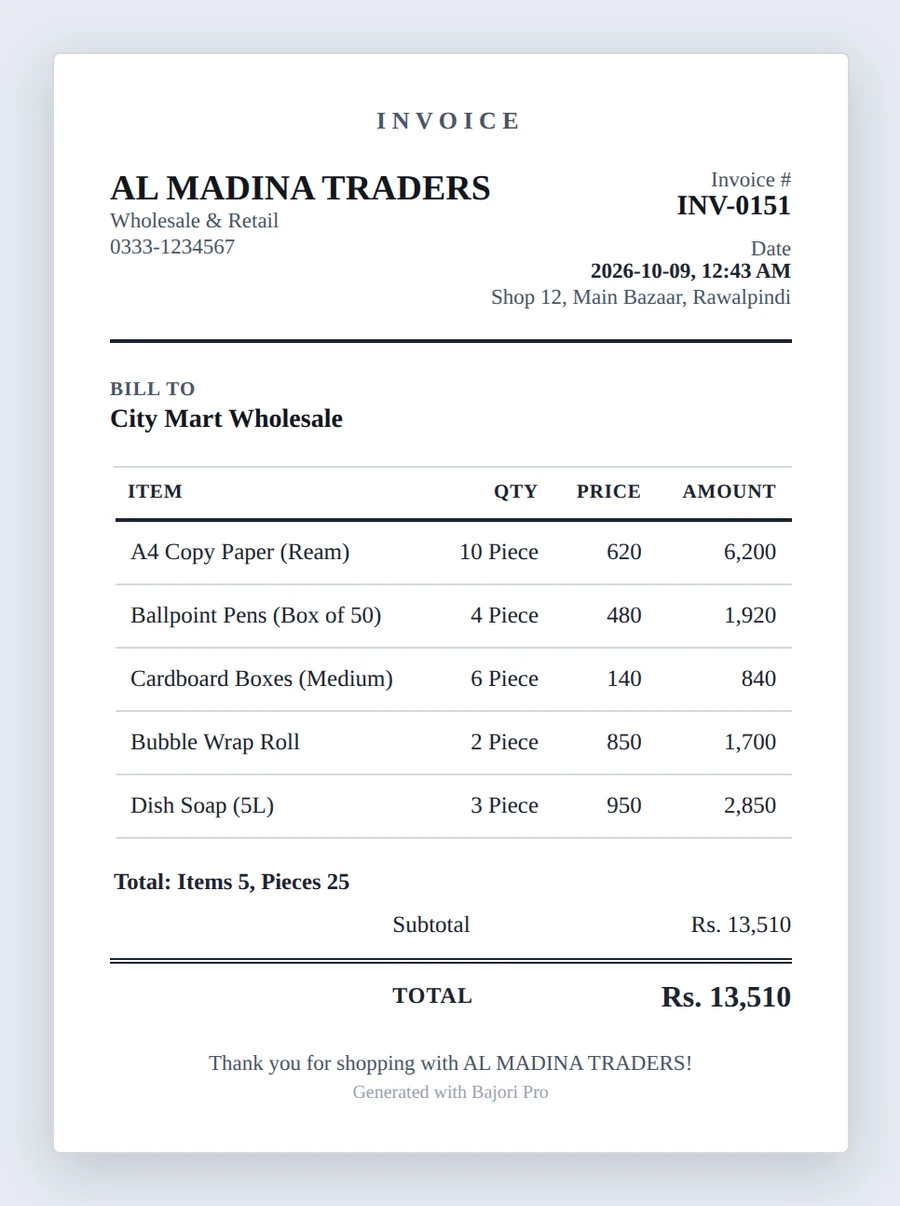
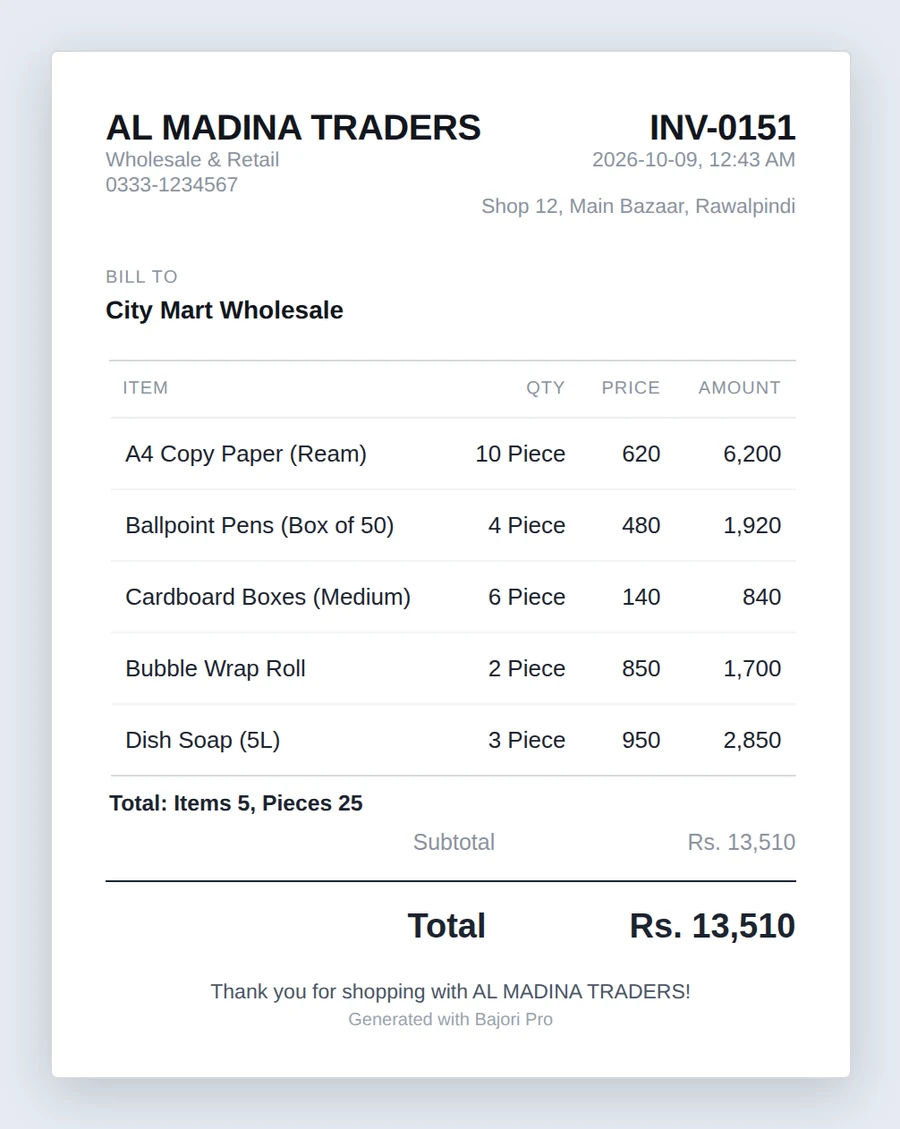
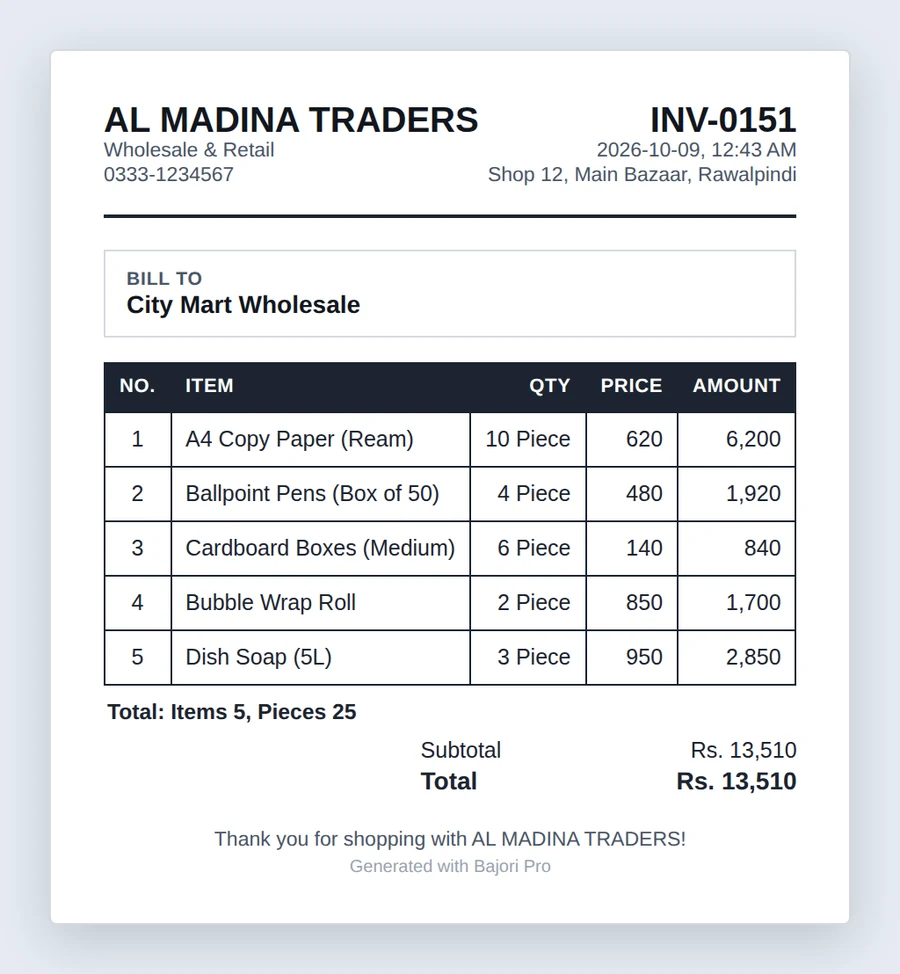
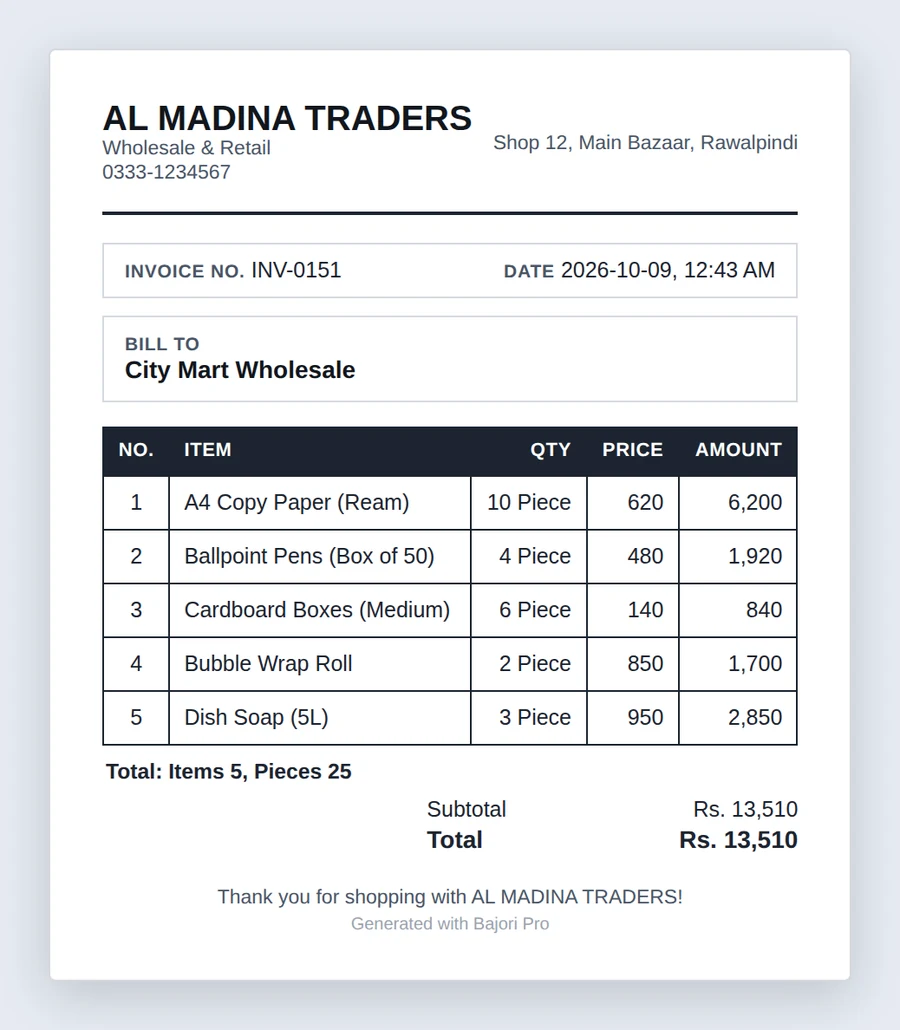
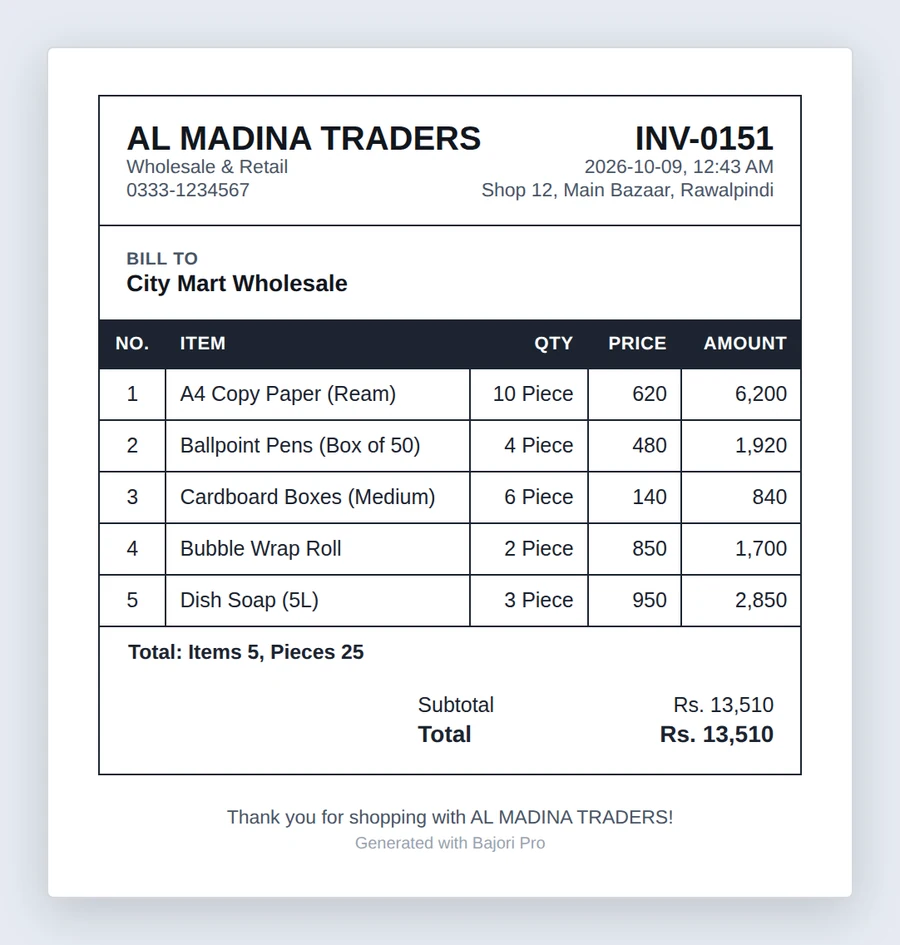
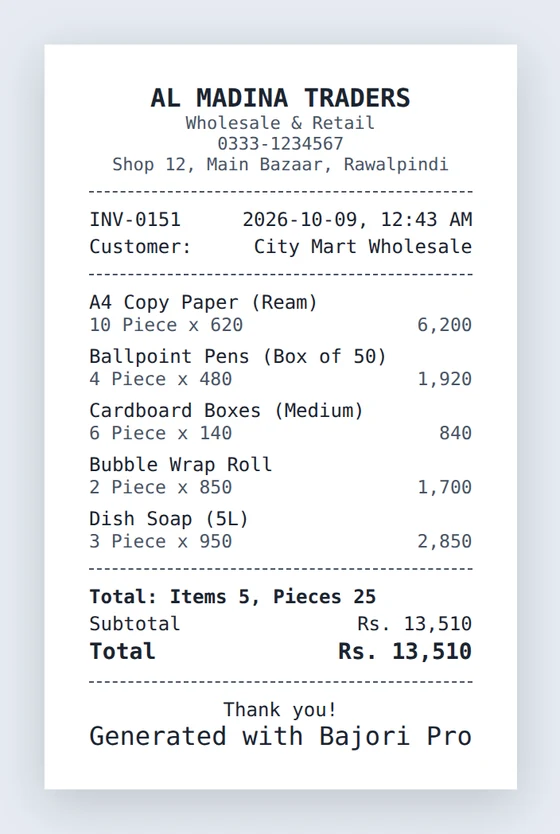
Pick the items, enter the customer, and the invoice is ready to print or send as a PDF.
- Six invoice templates, plus a receipt layout for 58 mm and 80 mm thermal printers
- Discounts, optional tax, and a custom message on every invoice
- Partial payments and credit sales in one step
- Customer returns: bring stock back, then refund in cash or reduce the customer's credit
- Item count and total quantity at the bottom of every invoice
- Your logo, business name, tagline and address on every document
- Automatic invoice numbering with your own prefix
Follow up every unpaid balance
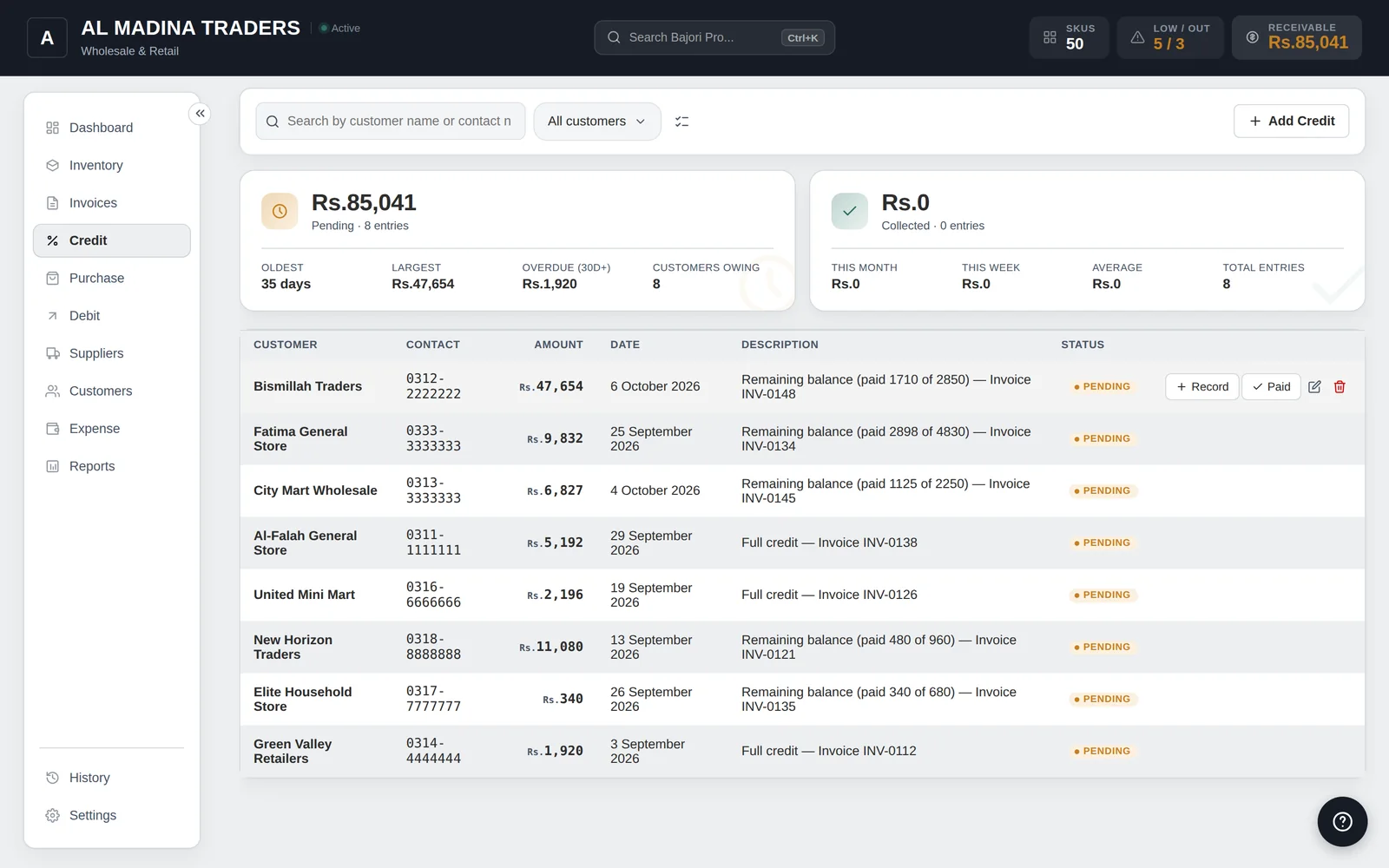
Sell on credit with confidence. Everything owed to you, and everything you owe, is in one place.
- Credit linked to the invoice it came from
- Record partial payments and see the remaining balance
- See who is overdue, using a limit you set
- Debit tracks what you owe suppliers, with the same clear ledger
Know the people you work with
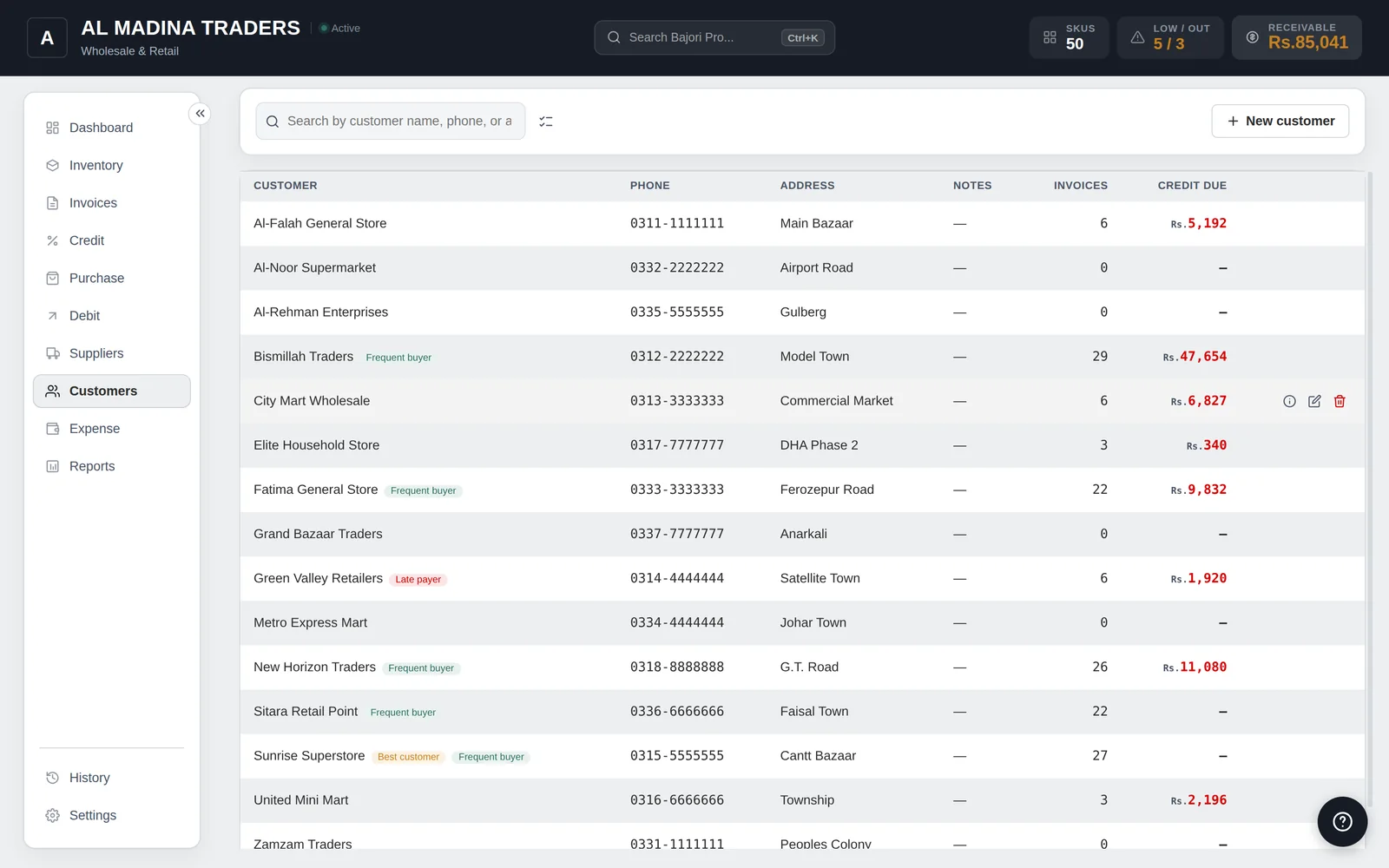
Customer and supplier profiles build themselves as you work.
- Contact details, notes and full purchase history
- Outstanding balance on every profile
- Insights that highlight frequent buyers and your best customers
- Records stay correct when a name is changed on an invoice
Record what comes in and what goes out
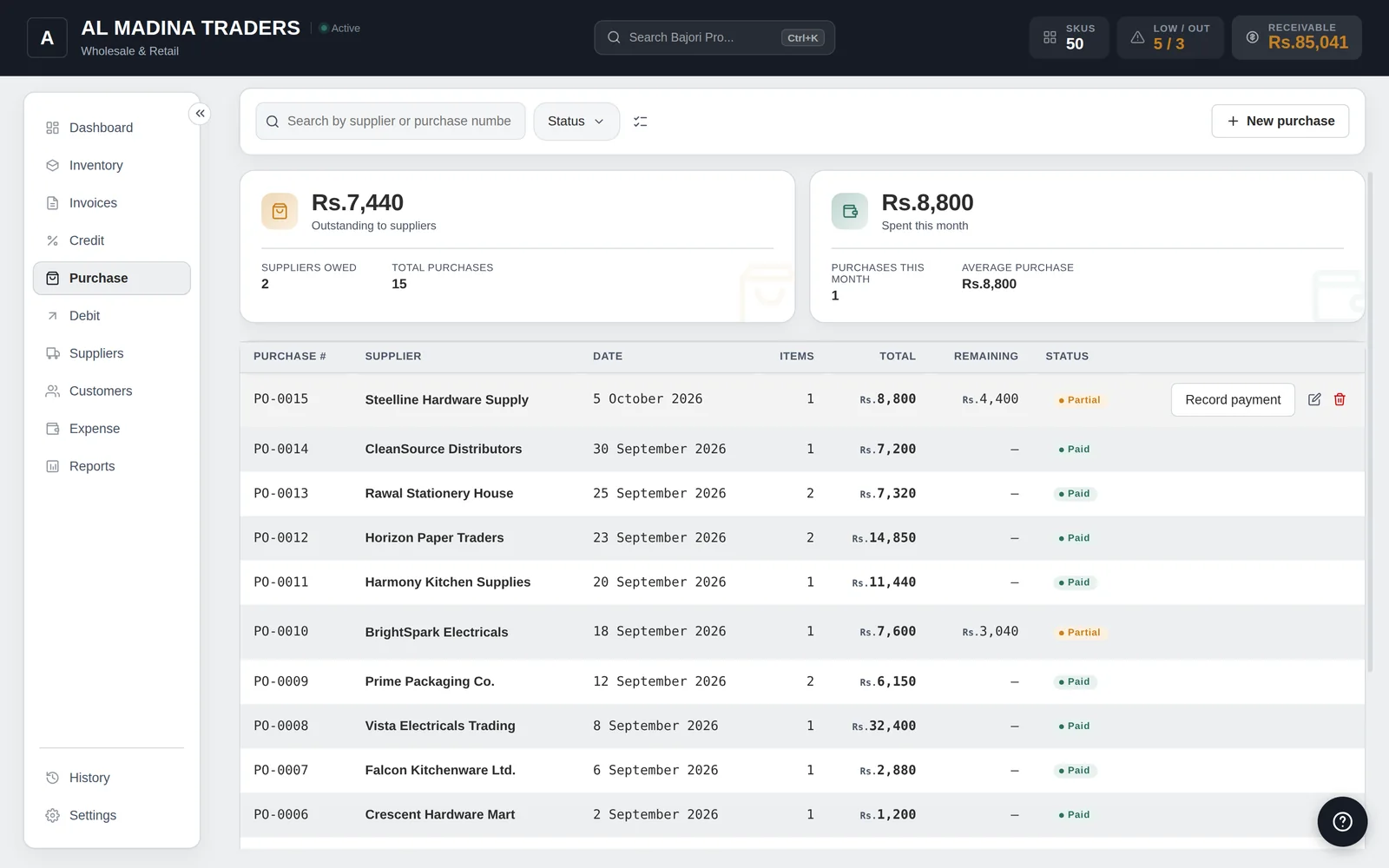
Receive stock from suppliers and keep every business cost in view.
- Purchases update your stock automatically
- Pay suppliers in full or in part
- Expenses in your own categories, including recurring expenses
- Sort, filter and export expenses
See profit, not just sales
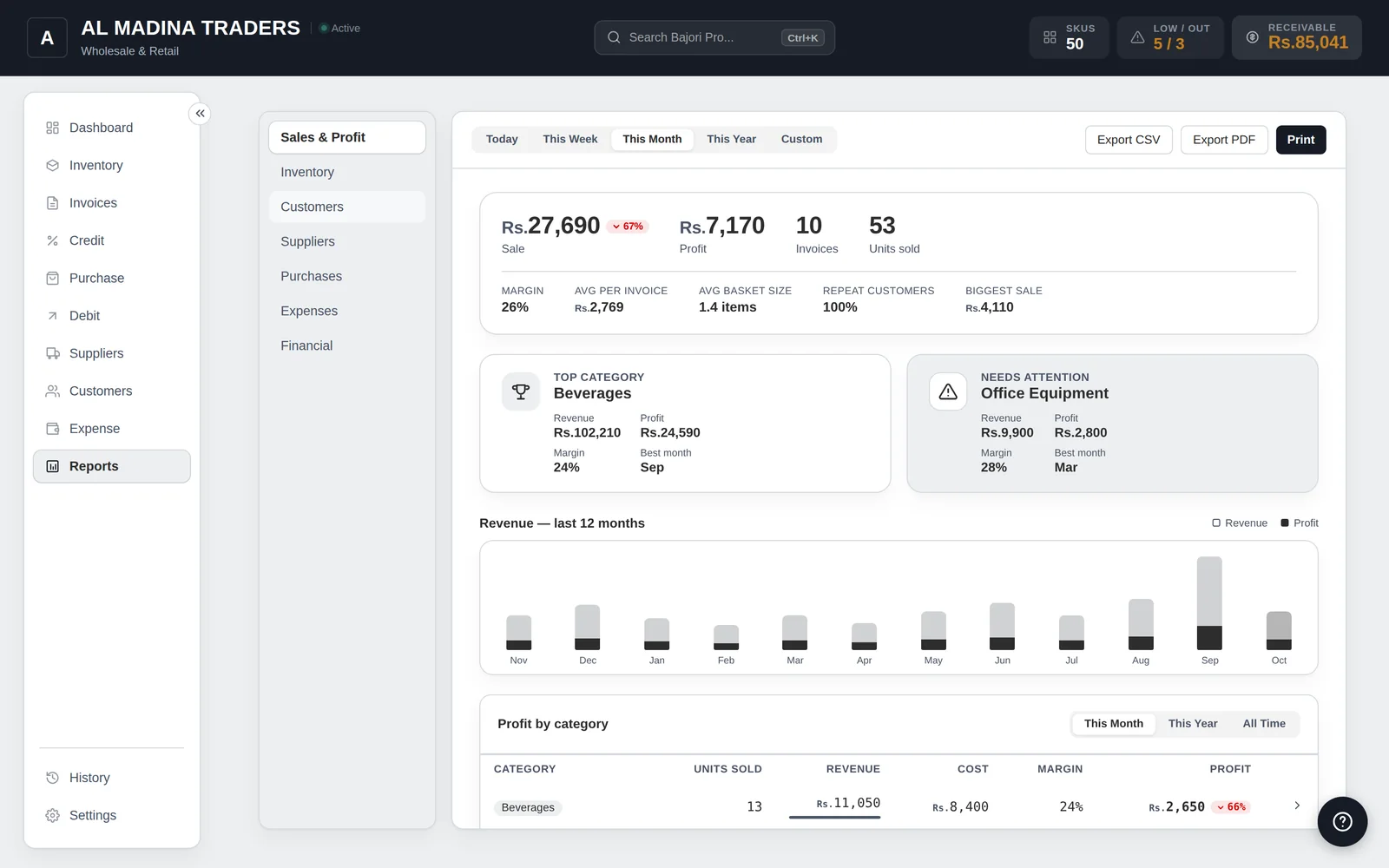
Seven reports show how the business is really doing.
- Sales and Profit, with margin, top products and a 12-month chart
- Inventory value, low-stock items and slow movers
- Customers and Suppliers, with outstanding balances
- Purchases, Expenses and a Financial summary of everything owed
- Filter by date, then print or export to CSV or PDF
Choose the look you like
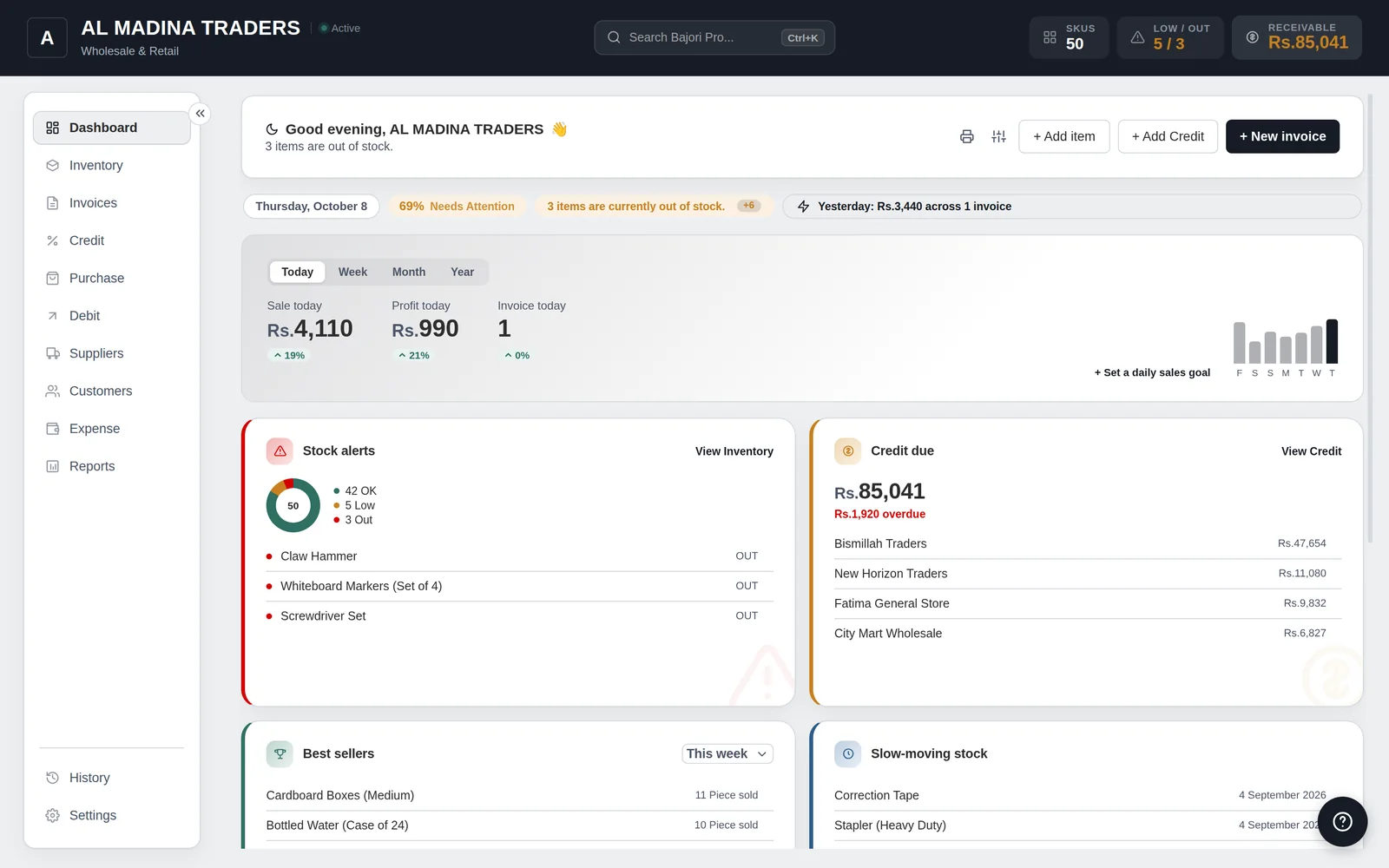
Click a screen to see it full size, and switch between light and dark mode.
Quick to learn, quick to use
Keyboard shortcuts
Start a new invoice, jump to any tab or lock the app from the keyboard. Press Ctrl+K for a universal search, and change any shortcut you like.
Light and dark
Choose light or dark mode, an accent colour, classic or modern layout, and a zoom level that suits your screen.
Built-in help
More than 150 help topics are inside the app, so answers are there even when you are offline.
Try Bajori Pro on your own computer
Download the free demo, explore a full sample business, and activate when you are ready.